Best Customer
Support Software for Small Business (2026)
Most small teams end up paying four vendors for phone AI, chatbot, help desk, and docs. We compare the nine main options by real monthly cost and what each one actually does not cover.
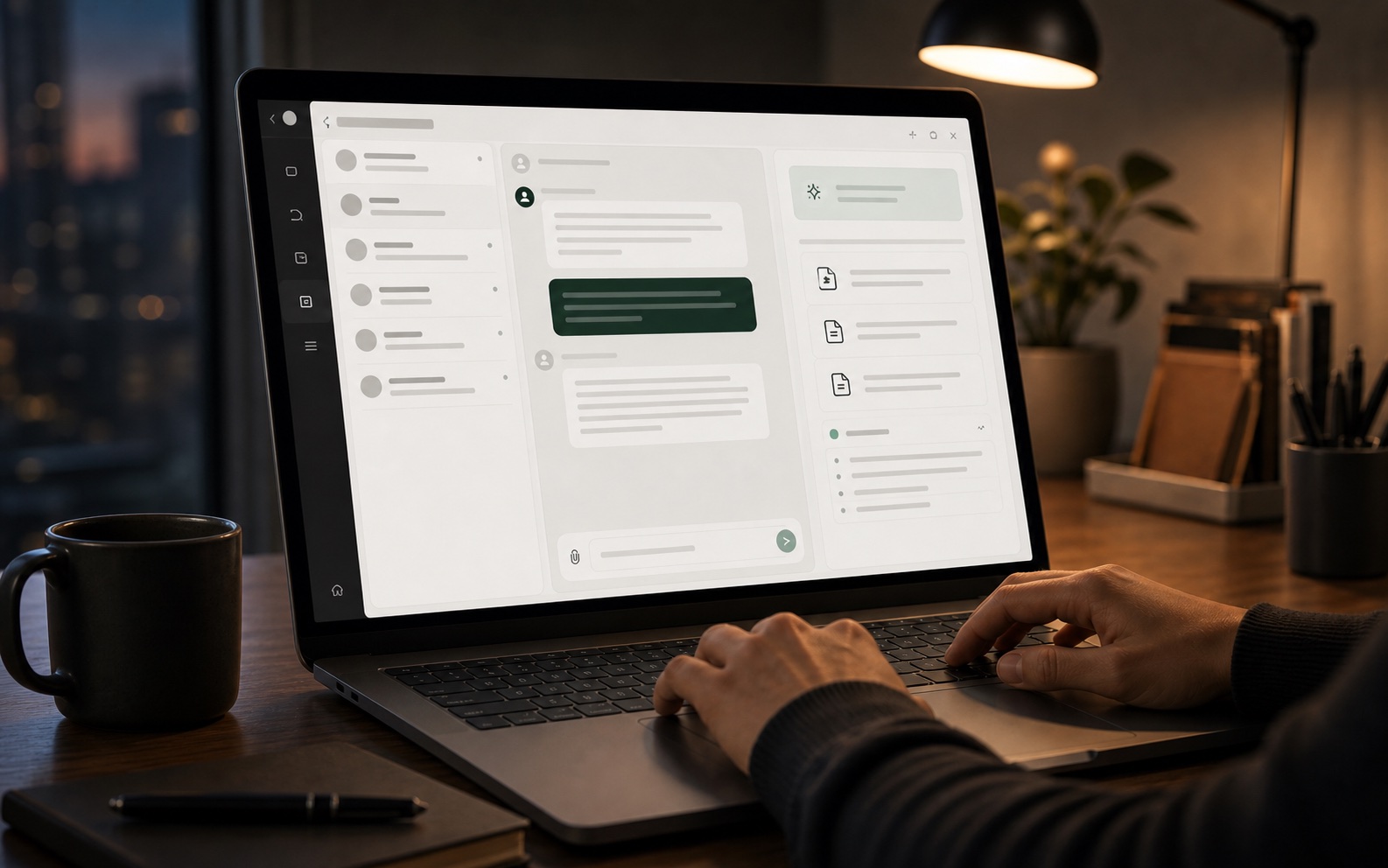
The best customer support software for a small business is one flat-priced platform that covers chat, email, phone, and docs. Compare the top 9 tools by real 2026 cost per month.
This page is structured so the team can scan, decide, and act without reading a generic long-form essay.
After reading, move into related problem pages or comparisons and turn the strongest topics into docs and SEO assets.
01. The short answer
For a small business, the best customer support software is a single flat-priced platform that handles website chat, email, phone, and a help center from one knowledge base. HelpCrunch, Intercom, Zendesk, and Tidio all do part of this, but each charges per seat and none bundles an AI phone receptionist. SupportSiteFlow does all four at one flat team price. If you need only email and docs, HelpCrunch at $15 per seat is the cheapest credible option; if your customers call you, budget $59 to $199 per month for voice AI alone before you even add a help desk.
- Cheapest credible all-round: HelpCrunch, $15 per seat per month, email and chat, no phone AI.
- Best if customers phone you: an AI receptionist, $59 to $199 per month, plus whatever handles the rest.
- Best value combined: one flat team platform, $29 to $199 per month, no per-seat fee and no per-resolution fee.
02. What small businesses actually need
A team of one to ten people does not need a ticketing system. It needs four things to work: a widget on the website, an inbox that does not fragment across channels, a help center that answers the obvious questions before a human is involved, and a phone that gets answered when nobody is at the desk. The failure mode is buying the best tool for each of those separately and then discovering they do not share a knowledge base, so the AI keeps giving customers answers the help center contradicts.
| Capability | What breaks without it | Minimum viable version |
|---|---|---|
| Website chat | Visitors leave instead of asking | Widget with a knowledge-grounded AI |
| Shared inbox | Questions answered in DMs, lost entirely | Email + chat + social in one queue |
| Help center | Same question answered 20 times a week | 20 to 50 written articles |
| Phone AI | Missed calls during and after hours | Answer, capture, book, transfer |
03. The nine main options and what they cost
Prices below are published list prices checked in September 2026. Every vendor's per-seat and usage fees apply on top of the headline number, which is the part that surprises small teams in month three.
| Tool | Entry price | Charged per | Phone AI | Help center |
|---|---|---|---|---|
| HelpCrunch | $15 | team member / month | No | Yes |
| Freshdesk | $15 | agent / month | Add-on, $0.10+ per session | Yes |
| Help Scout | $20 | user / month | No | Yes |
| Tidio | $29 | workspace / month, 100 conversations | No | Yes |
| Intercom | $29 | seat / month, plus $0.99 per resolution | No | Yes |
| Crisp | $45 | workspace / month | No | Yes |
| Chatbase | $40 | workspace / month, credit-based | No | No, chatbot only |
| Zendesk | $19 | agent / month, plus $1.50 to $2.00 per resolution | Add-on | Yes |
| SupportSiteFlow | $29 | flat team / month | Included from $79 | Included |
04. The hidden cost that decides the comparison
Per-seat pricing is not a flat tax, it compounds. A five-person team on Zendesk Suite at $55 per agent pays $275 per month before a single AI resolution. If those resolutions automate 60 percent of contacts, that is 500 resolutions at $1.50 adding $750. The bill reaches $1,025 for what a flat-priced platform does for $79. The same arithmetic on Intercom at $29 per seat plus $0.99 per resolution puts a comparable team over $700. This is why per-resolution pricing is the single most important line item to check before signing, and why it is worth asking any vendor what an average month of resolutions costs on your own volume.
05. What to do after you pick
Order of operations matters more than tool choice. Write the twenty questions your customers ask most, publish them as articles, then point the AI at those articles. A chatbot trained on undocumented tribal knowledge produces confident nonsense, which is worse than no chatbot because customers stop reporting problems. Second, connect the phone before you connect any social channel, because for most local and service businesses the phone is where the revenue-converting conversations happen. Third, set an escalation rule on day one: when the AI is not confident, hand off to a human with the transcript attached, rather than guessing.
- Publish your top 20 questions as articles before training any AI on them.
- Wire up the phone number second; for service businesses it is the highest-value channel.
- Define the AI-to-human handoff rule before launch, not after the first bad answer.