How to
Set Up an AI Voice Receptionist (2026 Setup Guide)
An AI receptionist is the highest-leverage support purchase for a service business, and the least forgiving to set up badly. Here is the order of operations that works, and the five calls to test before you go live.
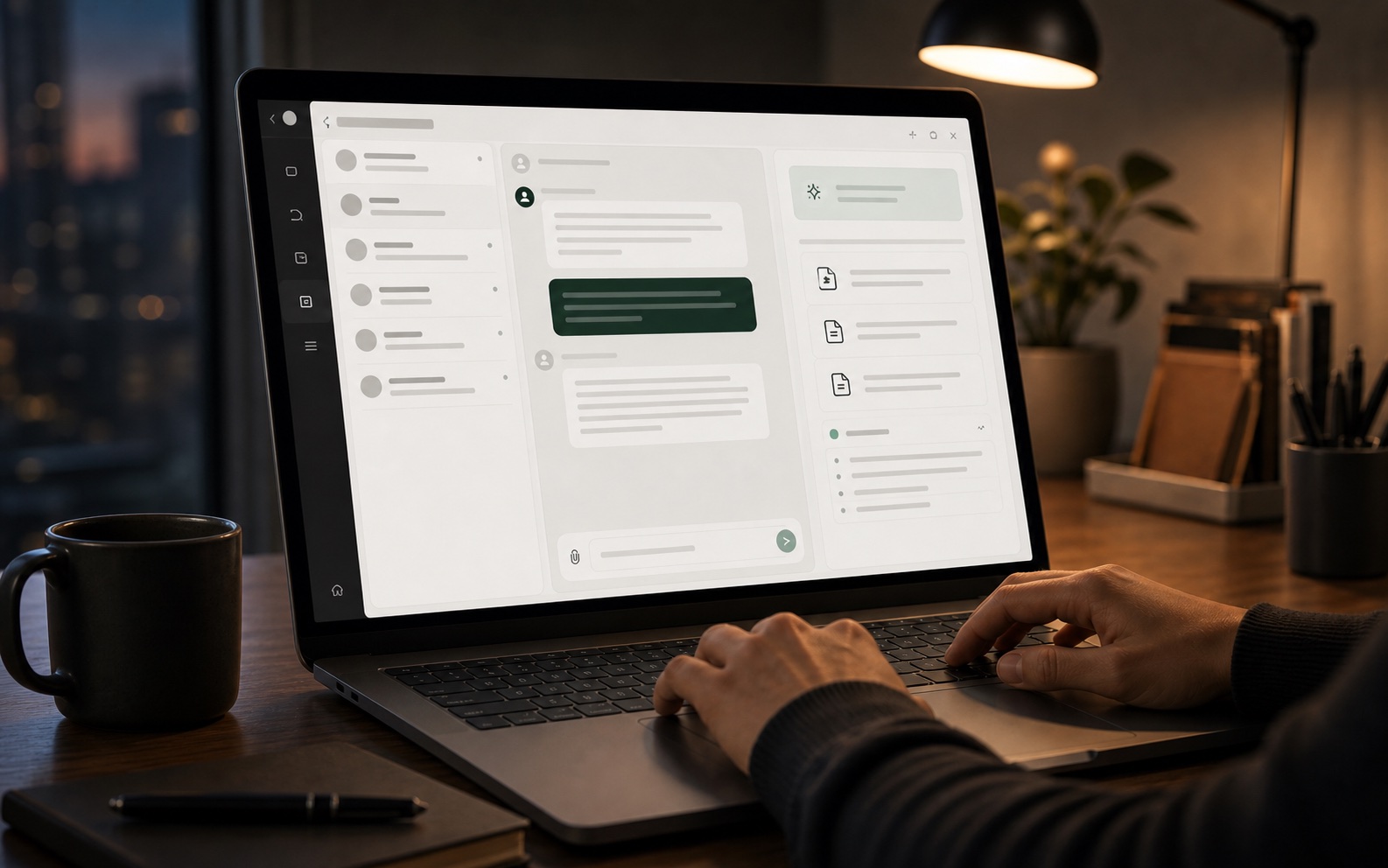
Set up an AI voice receptionist in an afternoon: forward a number, connect your knowledge base, define the escalation rules, and test the five calls that matter. Costs, providers, and limits compared.
This page is structured so the team can scan, decide, and act without reading a generic long-form essay.
After reading, move into related problem pages or comparisons and turn the strongest topics into docs and SEO assets.
01. What an AI receptionist should do
A good AI receptionist answers inbound calls, looks up the caller or the caller number in your records, answers routine questions from your knowledge base, books appointments, takes messages with a callback number, and transfers to a human when the request is not in the knowledge base. That is the whole job. Anything beyond it, such as complex diagnosis or negotiation, is a transfer. The failure mode is not a bad voice; it is an AI that improvises outside its knowledge, so the first thing to configure is a hard boundary between what it can answer and what it must hand off.
- Answer routine questions from the knowledge base, verbatim in tone.
- Book, reschedule, and confirm appointments against a real calendar.
- Capture a message plus a callback number when the request is unknown.
- Transfer to a human immediately when the caller asks for one.
02. Set it up in this order
Do these in sequence. Skipping step one is the single most common reason a voice AI sounds useless: it has nothing grounded to say, so it hedges. Start with the knowledge, not the phone number.
| Step | What you do | Time | Why it matters |
|---|---|---|---|
| 1. Write the answer set | Twenty questions with the exact answer you would give | 2 hours | The AI can only answer what is written down |
| 2. Load the knowledge base | Import articles, FAQ, price list, opening hours | 1 hour | Grounds every reply in your own source |
| 3. Forward a number | Point an existing number or claim a new one | 15 min | Test on a real number before customers use it |
| 4. Set the escalation rule | When confidence is low or the caller asks, transfer | 20 min | Prevents confident wrong answers |
| 5. Test the five calls | Booking, reschedule, out-of-hours, unknown question, complaint | 45 min | Catches the failures before customers find them |
03. What it costs
Voice AI pricing splits into two components: a per-minute model cost and a platform fee. Published entry prices in September 2026 run from $39 to $199 per month for the platform, with per-minute overages between $0.09 and $0.50. A small business taking forty inbound calls a month at three minutes each uses roughly 120 minutes, so overage is rarely the deciding factor; the platform fee is.
| Provider | Platform | Per-minute overage | Self-hostable |
|---|---|---|---|
| Goodcall | $59 to $199 / month | Included in higher tiers | No |
| Retell | from ~$114 per month at 10k minutes | $0.12 to $0.13 | No |
| Bland | usage-based | about $0.09 | No |
| RingCentral AI Receptionist | $39 / month add-on | $0.50 | No |
| Self-hosted (Asterisk + Whisper + Piper) | VPS cost, from $0 | compute only | Yes |
04. The five calls to test before launch
Test these five and you have covered most of what goes wrong. Each one fails in a different way, which is why they are worth the hour. Book a routine appointment, then reschedule it, then ask something the knowledge base does not cover, then call after hours, then complain. The third is the important one: if the AI improvises instead of transferring, every other test passing means nothing.
- Book: does it confirm name, time, and send a real confirmation?
- Reschedule: does it move the booking or create a duplicate?
- Unknown question: does it transfer or invent an answer? This is the one that matters.
- After hours: does the greeting change and does it still capture the message?
- Complaint: does it transfer to a human immediately, without arguing?
05. Why teams run voice AI on their own infrastructure
The managed providers are simpler and cost more at scale. If you already run a phone system, the trade flips: hosting the stack yourself costs a small VPS and gives you the transcript in your own database, which matters when the call record has to be searchable by your team. A self-hosted stack is a telephony server, a speech-to-text model, a text-to-speech model, and a retrieval step over your articles. That is four components rather than one vendor, and it is why setup takes an afternoon rather than an hour. For most small businesses the managed option is still the right call; for those with an existing team inbox, self-hosting removes the last per-minute tax.